Showing posts with label battery change. Show all posts

Tuesday, September 9, 2014

Intermezzo #72: MTG-930D and the "Recovery Blues"

Hello. Long time no see. Indeed, I took a sabbatical year from 50 Gs. It took me too much time and maybe more important, financially it was hard to keep up coming with interesting new models. I'm lucky that I can team up with my friend Chris again for 2015, so I'm pretty sure we can provide you another series of 50 articles of interesting G-Shock models next year. 
This Intermezzo article is about the so called "Recovery Blues". It's a phenomenon which often occurred on the first generation Tough Solar Waveceptor G-Shock models. Befoer these models were released Casio used the ML2020 rechargable battery for the DW-9300 Raysman, G-2300 and the GW-200 series Frogman (except for the Carbon Fibre Frogman and Snake Killer). The ML2020 is known for the enormous amount of energy it can store. The first generation Tough Solar Waveceptors had a complicated module, with an integrated antenna. Therefore Casio did not have enough room for the ML2020 battery and they choose the CTL1616 as storage battery.
Unfortunately, the CTL1616 could not always handle big drain, which for instance might occur as the EL Backlight is used frequently in a short time period. In such case the watch should go into "Recovery Mode". In this mode it is not possible to activate the EL Backlight and also the alarms don't work. Normally the watch should return into normal mode in several minutes up to maybe an hour. It all has to do with restoring the electrochemical balance inside the battery.
Unfortunately, these models became infamous. Although the capacity of the CTL1616 is less than the ML2020, it can store energy enough to keep the watch running for months. Still the watch can, without any reason turn into "Recovery Mode" on an unexpected moment when the EL Backlight is pressed. As soon as this phenomena occurs, it will always go into Recovery Mode whenever the EL button is pressed again. As this occurred on a lot of these G-Shocks somewhere between 2003 and 2006, the phenomena became pretty fast known as the "Recovery Blues". 
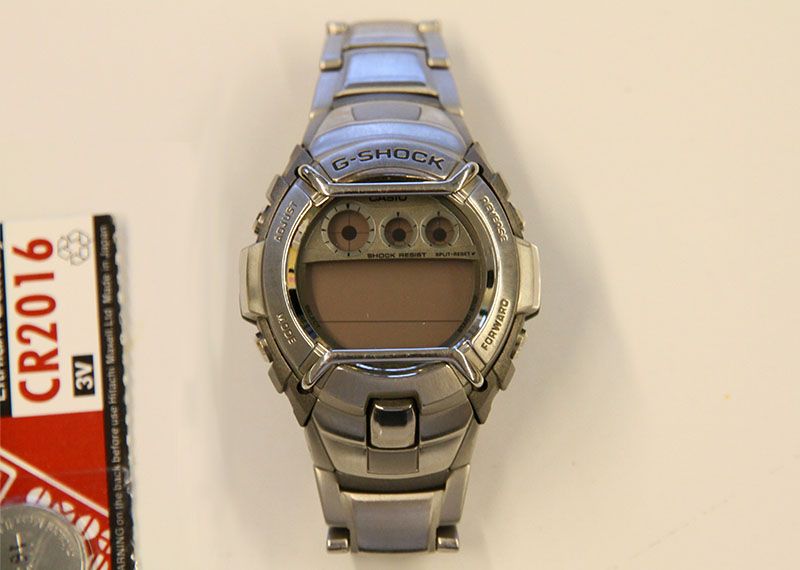
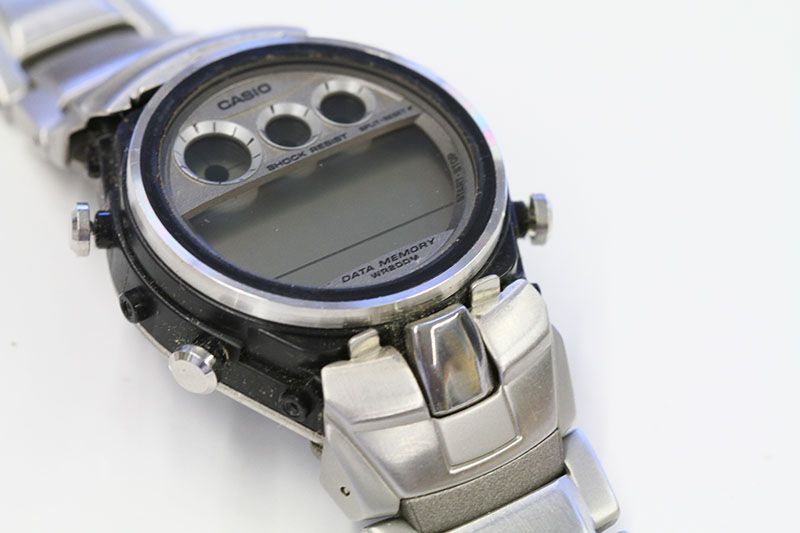
In the video above I show my MTG-930D (UK 2-band version). I have bought this models many years ago from Tiktox in the UK. When I was thinking of wearing it again about a week ago, it suddenly went in Recovery Mode. Even with extensive charging (it has been very sunny last week), the watch kept returning in Recovery Mode. Another Waveceptor went in "Recovery Blues". I think this was the last model with the first generation CTL1616 in my my collection. Anyway, I ordered at the first symptoms a new Panasonic CTL1616 battery. I found a cheap seller in Germany. €12 for the battery and €2 shipping costs. After four working days it landed on my desk. 
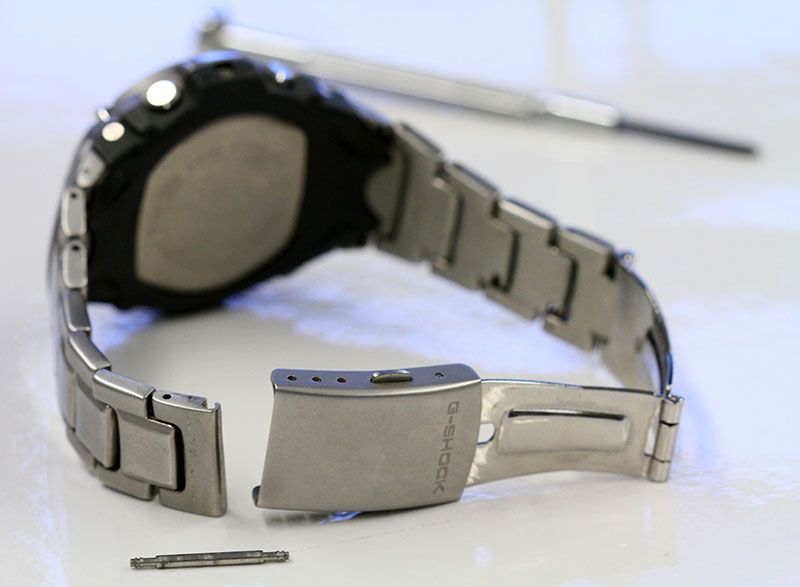
The MTG-930D is not an easy model to access the battery. First of all the bracelet has to be disconnected from the case. I also wanted to adjust the bracelet length, so I also opened the clasp, which is not really necessary. 
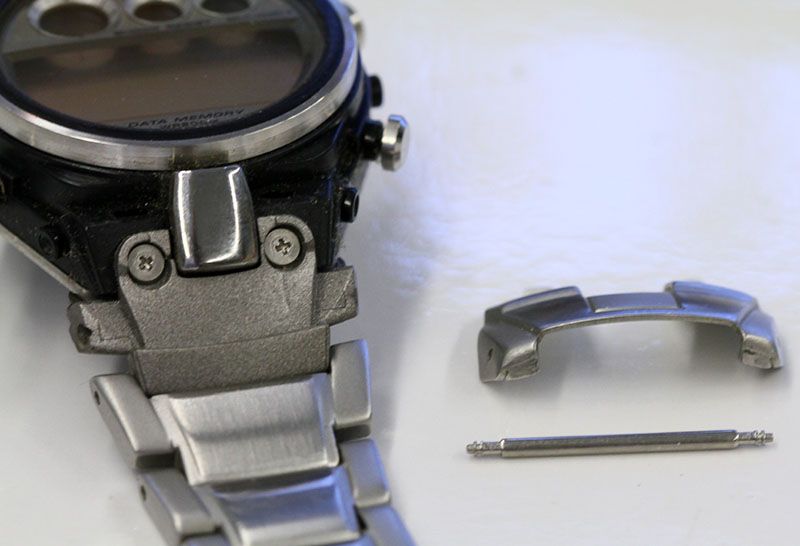
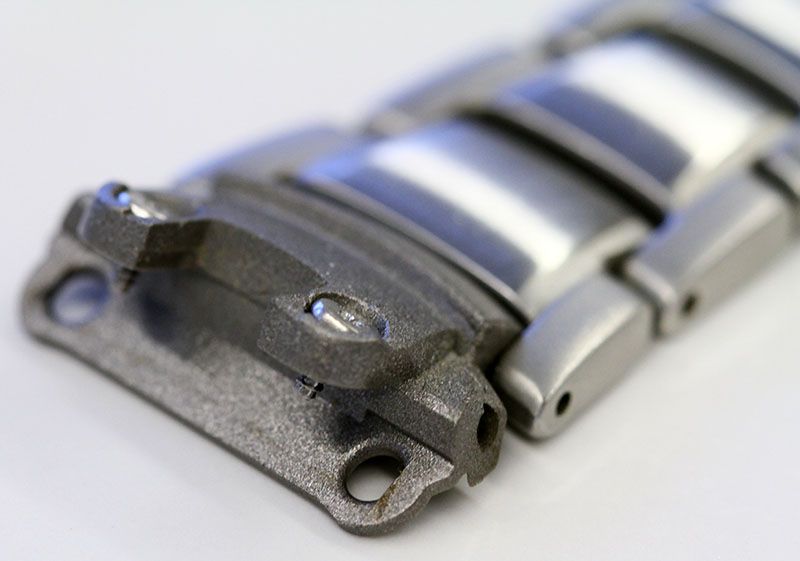
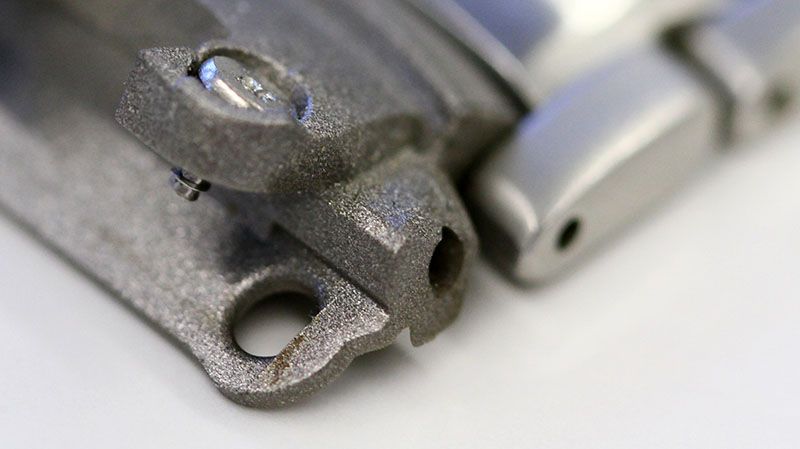
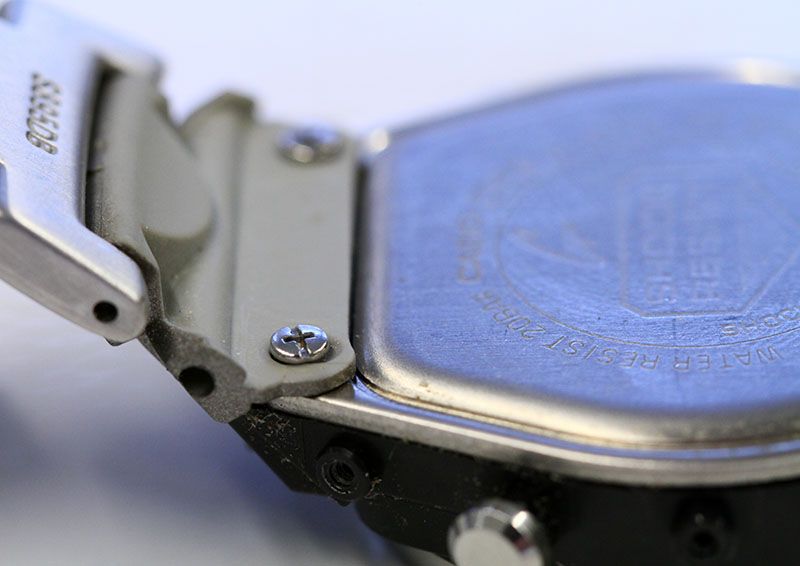
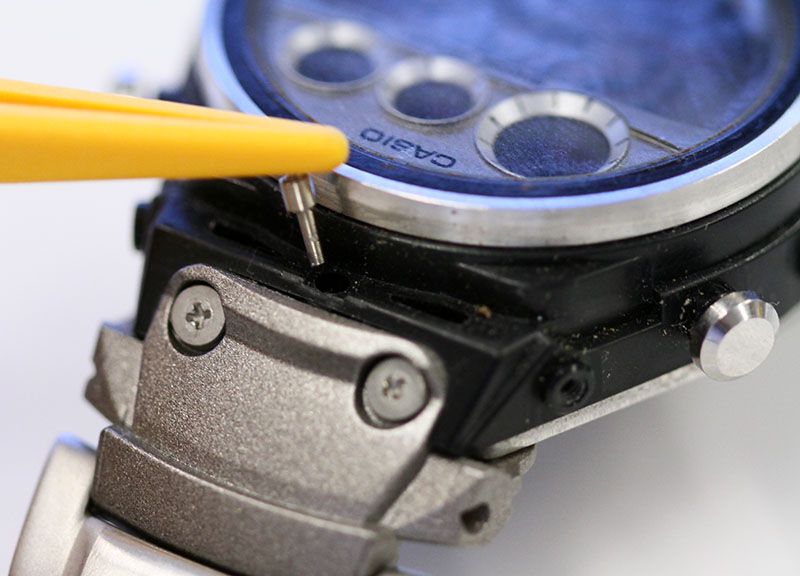
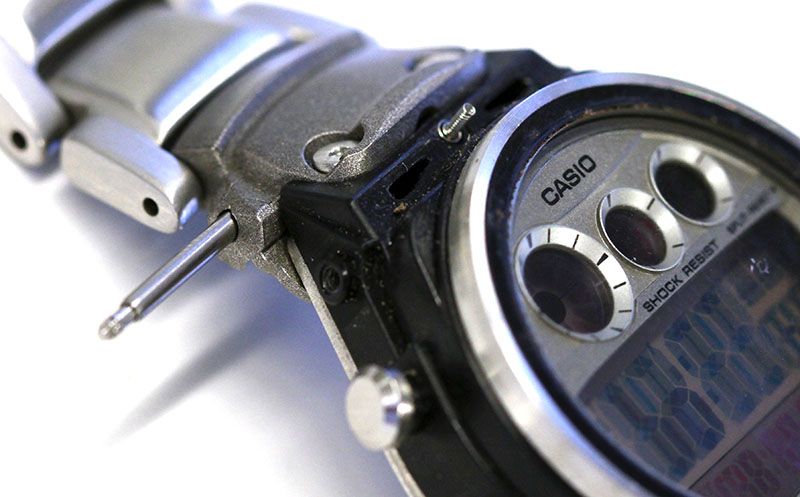
The bracelet is attached to the case with two large rubber-ish connectors. These are connected to the case with an axle and screw (the arrows in the above picture show where they are). You need two flat watchmaker screwdrivers to open these. Then it is not easy to get the connectors off, because they are also snapped on the case. You can remove them by bending them off carefully the case, until they snap off. 
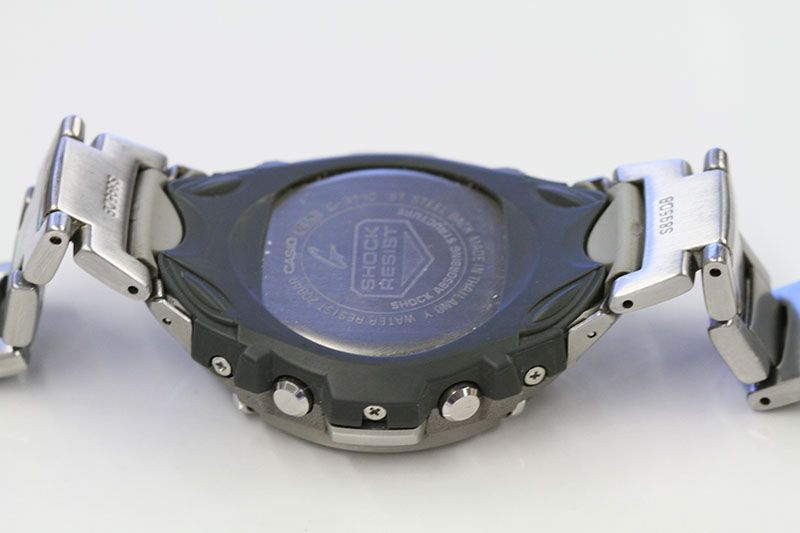
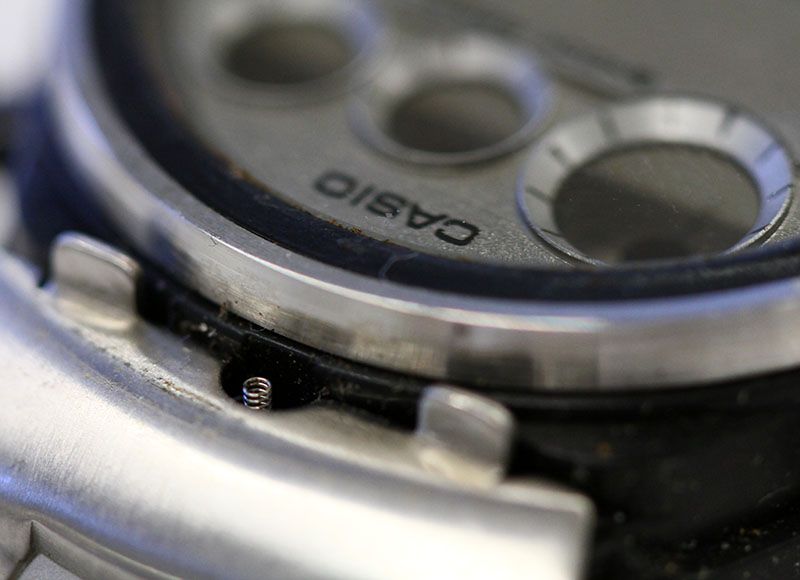
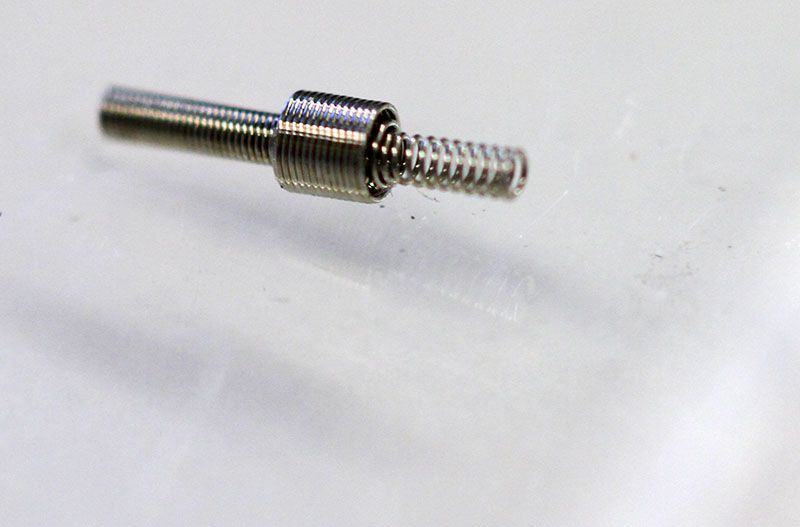
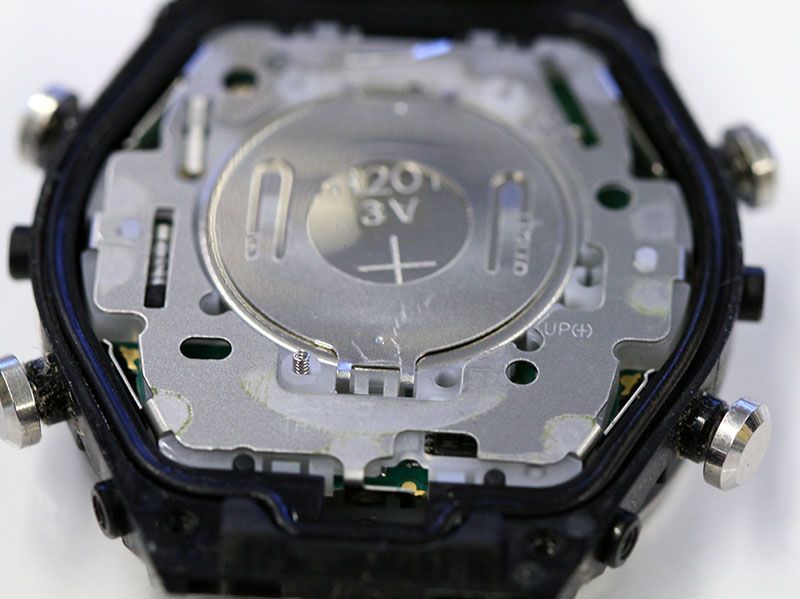
Opening the case is similar to most other G-Shocks. It's a simple 4 screw back. The back protector and a plastic isolation plate sticked to the back of the watch. In the small hole in the top is a little spring. You find another spring on the 7 o'clock location of the battery. I choose not to remove the items on the back plate, as I had direct access to the battery. 
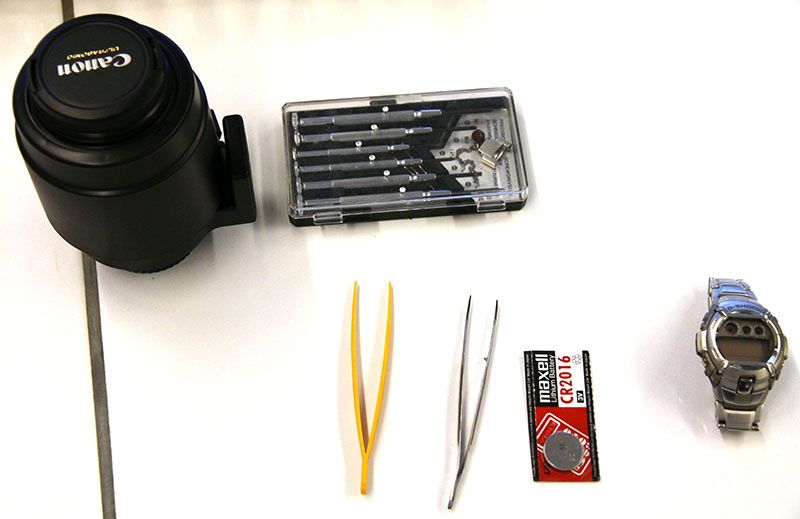
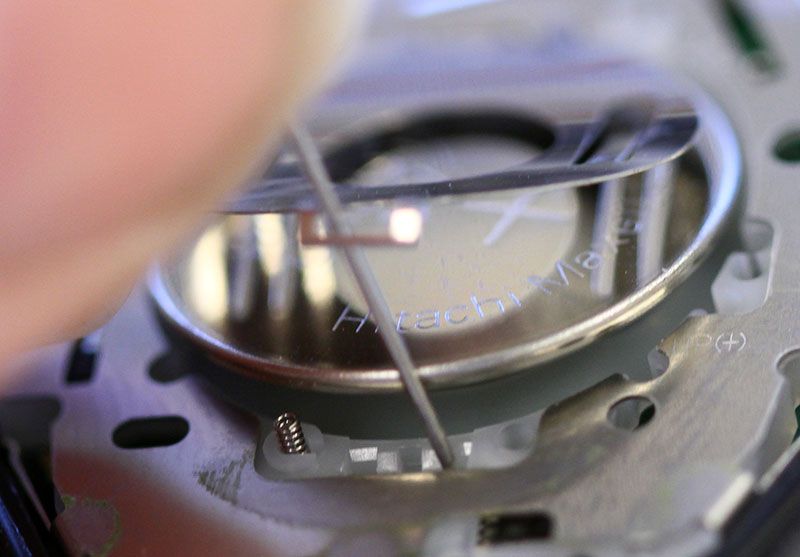
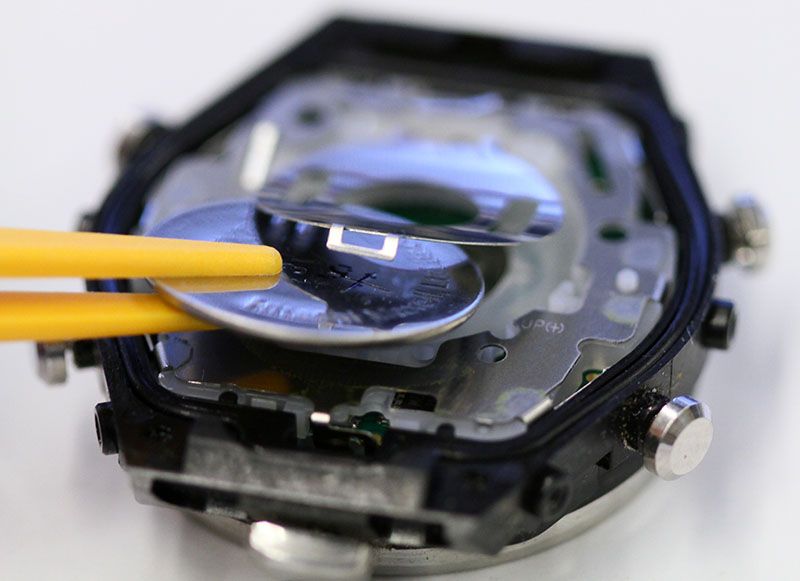
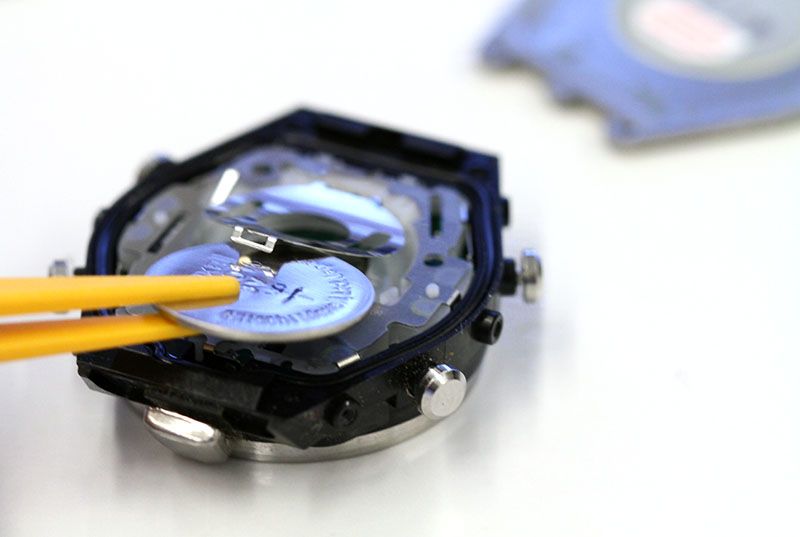
The battery lock can be opened carefully with a sharp tooth tweezer or, if you don't have this at hand, a sewing pin will do fine too. If placed at the right location (12 o'clock position of the battery in my photo's above), it just pops up. In my case even the battery popped a little out of the lock, so I could take it out with a plastic tweezer. The new battery can be put into the battery holder and the lock can be easily closed by pushing it back with a tweezer until it clicks. 
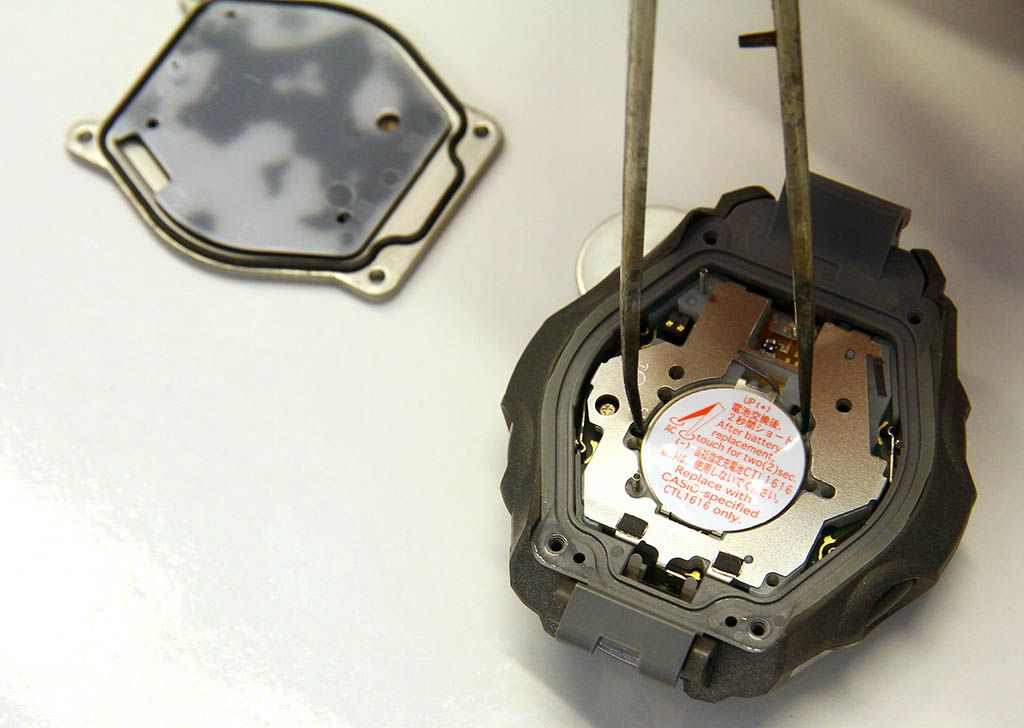
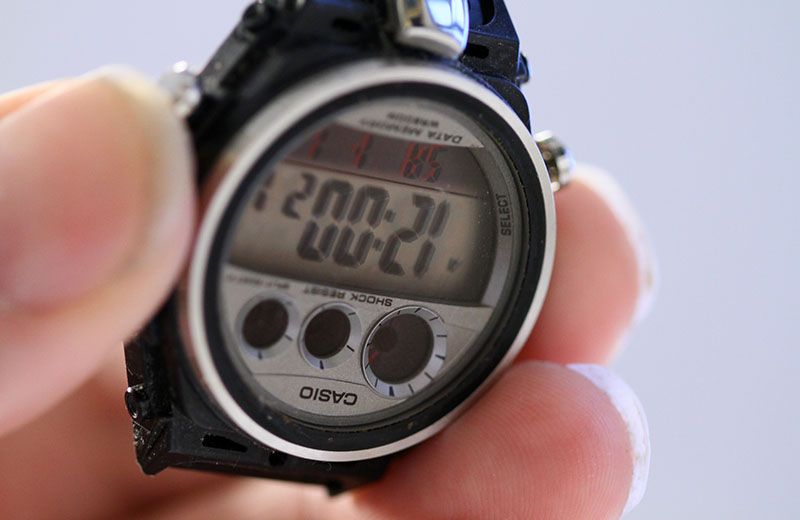
Do not forget to reset the watch. You can very careful check if the reset was successful by lifting the watch above your head, without turning it over. Really, you don't want to turn it over. The tiny spring will fall out or maybe even worst, the complete module (with probably more springs). If the watch is reset properly, you will see that the internal time has restarted at 12:00am. 
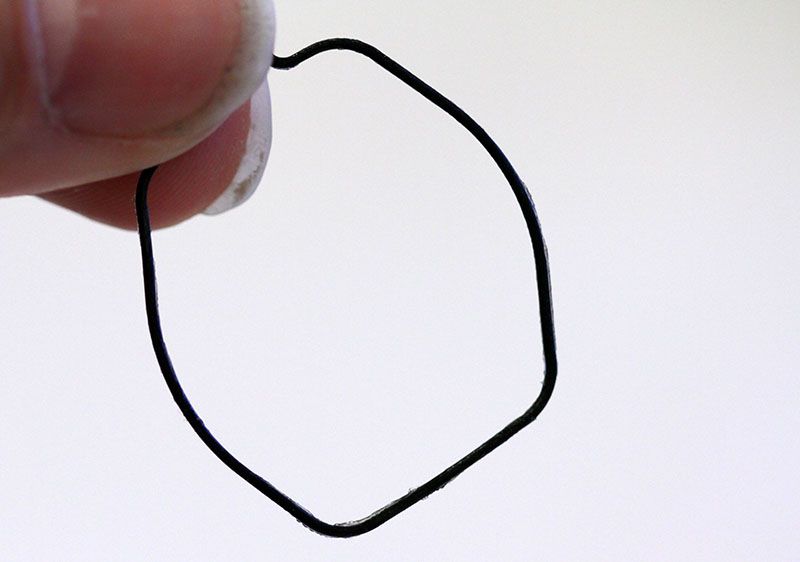
When the reset is successful, it's time to put the watch back together. First carefully put the backplate back on the module. As there was that strange loose spring at the back, I actually "folded" the back on the case, like you close a book. It's a bit tricky, as the rubber seal has to fall in the right place, but eventually you can put the screws back in place. 
As you see above, it took about 5 minutes to take pics of the open watch, the backplate  and put the crews back on. The battery is charged very low. The icon "Charge" is flashing, so an immediate charge is needed. A good occasion to check if the battery is getting charged too. In this mode almost nothing works. Somehow I managed to set the time, but that was all the watch could do.
Unfortunately, the sky went gray, so I needed something better...
It's pretty wise not to put the watch too close to a halogen lamp. The watch and specially the LCD can become very hot. Luckily, the watch became alive after about 10 minutes (it was gotten extreme hot and did cool down very slowly). 
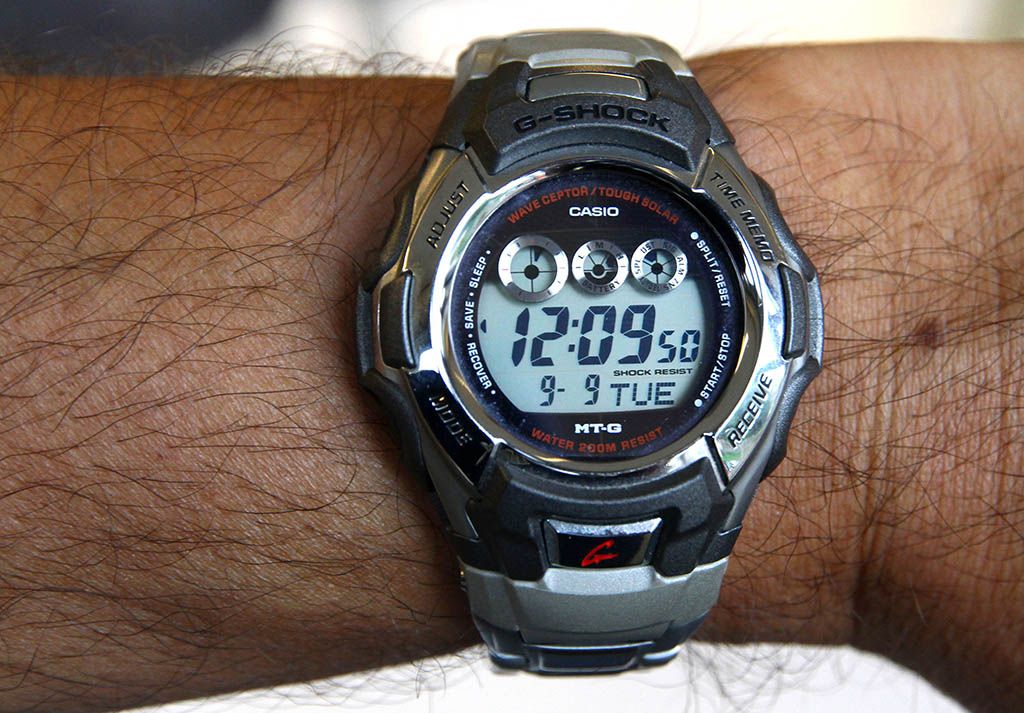
After a while the watch starts looking for the Atomic Time transmitter and, if found, (which is easily in my country) it will set itself to the correct time. 
The cause of the "Recovery Blues'. The first generation CTL1616 battery. I should wear this watch several days to get the battery charged totally full. In my opinion the MTG-930 was the best looking model of the first generation Tough Solar Waveceptor G-Shock models, probably because I like three eyes. I do not know if I will write another article before 2015, but be ready for another challenge of writing 50 articles in a year here on 50 Gs. See ya!

Tuesday, December 18, 2012

Intermezzo #60: A more complicated battery change on the G-3110 "Tough Guy".

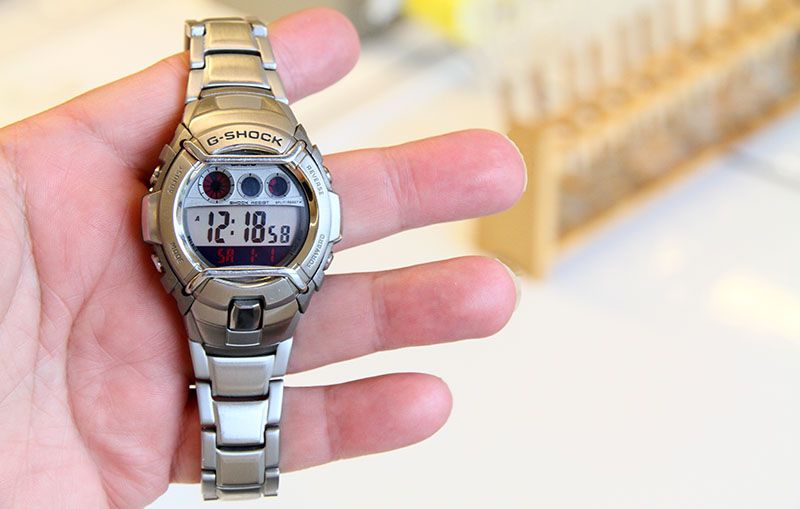
When I grabbed my "Tough Guy" last week to put it on, I noticed the battery died, unfortunately. Well, I had some spare time at school, so I made this extensive photo report about how to change a battery on this type of G-Shock and specially, how to reach the battery.
Here it is. The model number of this watch is G-3110D-8VER. I think the procedure of changing the battery on this model is similar to other metal bracelet Cockpit and Duplex models from around 2003 - 2004. A battery change on this model looks pretty complicated, but if you follow my steps, it appears to be easier than you might think.
First open then bracelet at the buckle, so you get easier access to the case back. Just push the springbar in with a springbar tool or a similar object. I used a sewing pin this time, as I don't had a spring bar tool with me. 

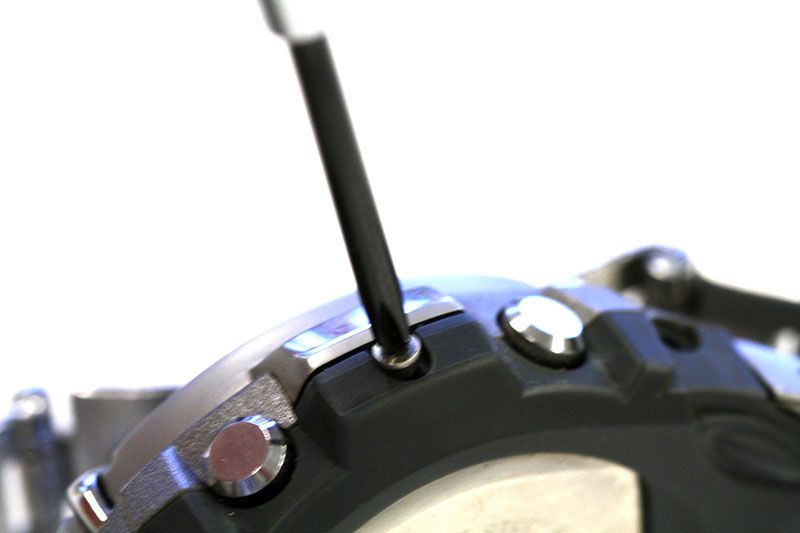
Now you can start unscrewing the 6 small screws on the side of the bezel. Carefully store these tiny screws somewhere safe. I always use the lid of my screwdriver box. There will be more screws, so remember what comes from where.
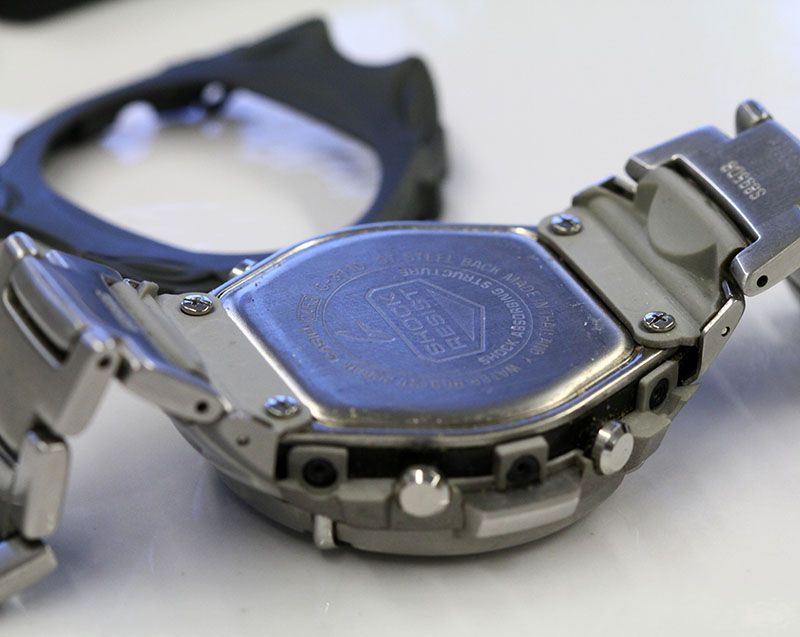
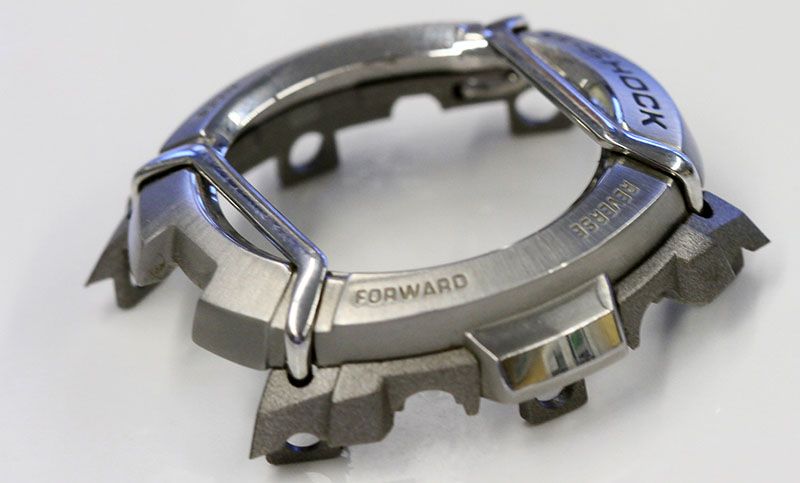
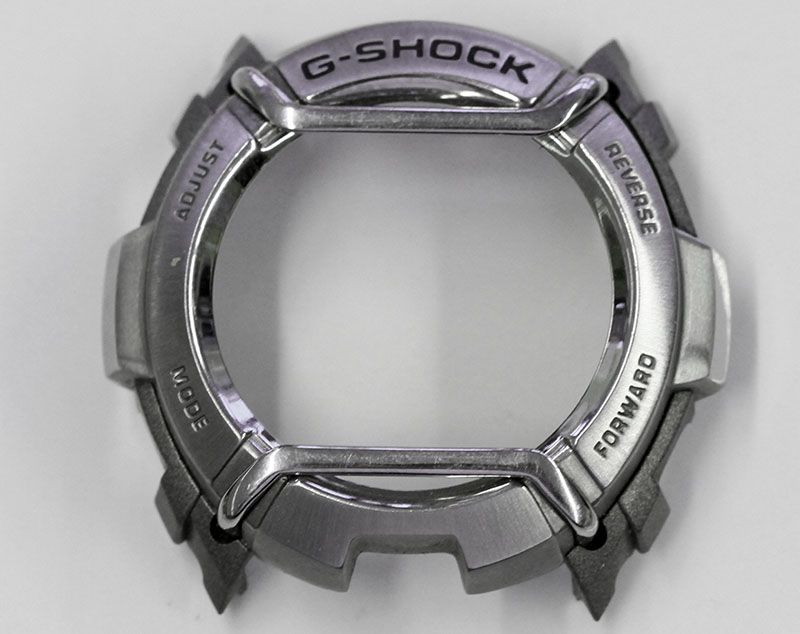
The back protection comes off easily. Now you also need to remove the bezel. It's actually also relative easy. The sides are made from soft resin. Put it carefully over some notches and you get a naked case.
You'll notice the bracelet is connected to the case on the caseback and somewhere under that small metal shield. It is hold on it's place by a springbar, which can be pushed in from the outside. Be careful not to launch the springbar.
Now the two other screws that hold the bracelet to the case are revealed.
Note there is a small spring on the top of the case. I do not know what function it has, but as we will put the case upside down when replacing the battery, I recommend to remove this spring carefully and store it safe.
Now you can remove both bracelet parts. Best is to keep the backplate as long as possible against the case, so the last screw you unscrew is one on the back.
Remove the backplate. You will see the rubber shock absorber at the back of the module. You can take it from the module. You are now in the heart of your watch. The battery change itself is pretty similar to other G-Shocks.
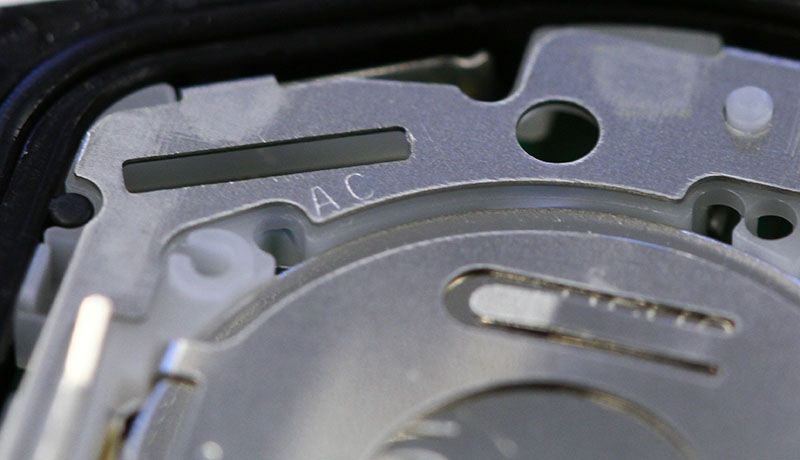
I always try to locate the AC contact near the battery. This time it took a while before I found it. The photo is actually clearer than what I saw... Remember, once you open the case, never, really never, turn the module upside down. In this case there is one spring, which can fall out, but there are even models where three springs can fall out, as they are loose in the module. If these fell out, you will loose functions of your watch, like no alarms and no EL backlight.
It's crucial to open the battery lock the right way. This is the part where unskilled people can ruin your G-Shock. The lock can simply be opened with a sharp tooth tweezer or, in this case, a sewing pin.
Just carefully pull the handle over the small notches. The battery lock will jump open. In this case actually it even ejected the battery almost whole (hd to push it a bit back for the photo.
For removing a dead battery, it does not really matter how you do it. I usually use my metal tweezer, but, of course, for installing a new battery, you use a plastic tweezer. If possible even take it out of the package with your tweezer. When you push down the lock, it will lock automatically. Most of the time you even hear a click when the lock is back in place. 
Although often the module starts to run normally after the battery is in place, it is best to reset the module. With a sharp point tweezer you connect the AC contact with the back (+) of the battery for about two seconds. After I reset I check if it's working normally, by holding the watch above my head (without turning the module upside down!). If the module runs properly, you can close the case, else you have to perform another reset. Instead of a tweezer you can use unfolded paperclips or staples. Anything made of metal which can short cut the AC contact with the back of the battery.
Yep, it works properly.
If needed, re-grease the gasket with a silicon based grease. Just a little bit, to keep the rubber in shape and to help the watch stay water resist. 
Now you can close the back plate and put the bracelet parts with the screws back on. After that you can replace the little spring at the top of the case. It looks pretty easy on the photo, but actually I had to do several attempts to let it fall the right way in the hole.
Put the springbars back in place for the small metal shields. With a little practice it's easier than it looks. The bracelet can now be put together in opposite way it was removed from the case. First the metal part, then the rubber back protection. Just put the six screws back in place and the job is done.
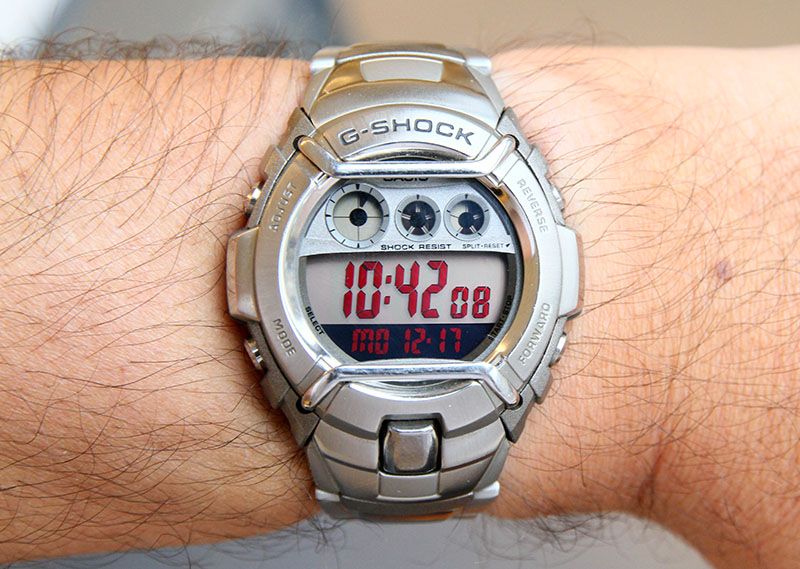
Now you can adjust the time. I always have atomic time somewhere around me. You can customize the display you like most on this model. Well, this is my favorable setting. I love the red digits.
Well, that looks great on my wrist. The battery seem to last quite some years in this model. I can't remember changing it on this watch, though I have it for about 9 years now. The final test, alarms and EL backlight work. Yes, I'm pretty happy it I managed to change the battery on this model, as it is quite a bit more complicated than usual G-Shocks.